

No-code platforms have taken the world by the storm. In fact, if you do a simple Google search, there are so many options to choose from that it can get quite overwhelming. And of course – the marketing behind each one of those wants you to believe that it is the best for your needs, for whatever they are.
I’ve been in the web design business for many years now and while there are many amazing options available, each one has its pros and cons. For example, if you’re a beginner or need a really simple website, going for a very complex platform is usually counterproductive. You need an interface that is easy to use and very intuitive.
On the other hand, if your project vision encompasses many functions and design elements, you’ll find the best platform for your needs among the most sophisticated.
Quick comparison: the best no-code website builders
| Feature | Webflow | Framer | Divhunt | Webstudio | Brizy Cloud |
|---|---|---|---|---|---|
| Starting price | $14/mo (yearly) | $10/mo (yearly) | $7/mo (yearly) | $15/mo (yearly) | $19/mo (monthly) |
| Free plan | ✓ subdomain only | ✓ subdomain only | ✓ incl. custom domain | ✓ build only | |
| CMS | From $23/mo, 2,000 items | From $10/mo, 1k items | From $7/mo, 1,250 items | From $15/mo, headless | From $19/mo, external |
| Custom domain | From $14/mo | From $10/mo | Free plan incl. | From $15/mo | From $19/mo |
| Best for | SaaS, marketing sites | Landing pages, startups | Flexible, dev-friendly | Devs + visual control | Agencies, white-label |
| Learning curve | Steep | Moderate | Moderate | Steep | Moderate |
| Animations | ✓ Interactions | ✓ Best in class | ✓ Built-in | ✓ Via code | Limited |
| Multilingual | ✓ From Business plan | ✓ Add-on | ✓ From Growth plan | ||
| Self-host | ✓ Free | ✓ WP plugin | |||
| White label | ✓ From $159/mo | ||||
| My verdict | Best for SaaS | Best for startups | Best value | Most flexible | Best for agencies |
Let’s make it easier for you and introduce you to 7 best website builders for 2026. We’re going to talk about their pros and cons, features, ease of use and the types of websites they are best suited for. I have tried each one of them for you, so you don’t have to spend your valuable time analyzing and trying. The article is divided into two parts: in the first one, there are standalone website builders, while the second one focuses on builders specifically designed for WordPress.
The whole analysis is therefore built on the perspective of a no-code designer who works with smaller and medium-sized clients, from SaaS products to classic landing pages.
Standalone website builders
Webflow Website Builder - Cover Image
Webflow
Having used Webflow extensively in my projects, I can confidently say it's my preferred platform for a variety of web development needs. Its suitability spans from smaller websites to larger projects demanding high customization and control. Webflow's advanced design capabilities are a standout feature, enabling pixel-perfect layouts and intricate interactions that align perfectly with my creative vision.
I've found Webflow's CMS features to be robust and well-suited for managing dynamic content. This has been especially beneficial in my work as a designer, allowing me to bring creative ideas to life without the constraints of coding. One of the key advantages I've appreciated in Webflow is its scalability. Webflow can effortlessly accommodate this growth, showcasing its versatility across different web development scenarios.
However, it’s important to know that Webflow is a locked-in platform. This means that any website is deeply integrated with Webflow's hosting and infrastructure. Therefore, transferring a site from Webflow to another platform can be a significant challenge. This is mainly due to Webflow's unique framework and design system, which often isn't compatible with other hosting services or CMSs.
So what are the exact pros and cons of Webflow?
Are you already convinced that Webflow is the right no-code platform for you? Then don’t hesitate to try it right now.
Framer Website Builder - Cover Image
Framer
Framer is a fantastic tool for creating visually stunning websites, particularly when the focus is on the user interface. It does have its limitations, especially in handling complex backend functionalities, but they can be solved via custom code solutions. Just note that they will be, of course, more demanding in terms of implementation and price. I've found Framer to be incredibly effective for projects where design and user experience are the key focus areas. The intuitive nature of Framer's interface has been a major plus for me, enabling the crafting of responsive designs that are both aesthetically pleasing and functional.
However, Framer does have notable downsides. It's not the best fit for more dynamic websites that need extensive databases, complex user interactions, or advanced ecommerce features. Also, Framer's focus on high-level design features, while advantageous for experienced designers, might be overwhelming for those new to design principles. It's definitely more suited for those who are already comfortable with visual design tools, rather than beginners looking for an easy, straightforward solution.
Divhunt Page Builder - Cover Image
Divhunt
Based on my experience, I recommend Divhunt for crafting landing pages and informative websites. However, I anticipate this recommendation to evolve as the platform undergoes updates. The growth trajectory of Divhunt has been amazing, and I believe its potential will only expand as its client base increases. With a small, dedicated team, they have been consistently rolling out new features and quick bug fixes, showcasing a remarkable pace of development. The platform is an ideal choice for those who are new to web development or who need to launch a project quickly without getting bogged down in complex coding.
However, a notable downside of Divhunt is its relative obscurity in the web development world. Being a lesser-known platform, it doesn't yet have the widespread trust or recognition that more established website builders enjoy (which might change in the future!).
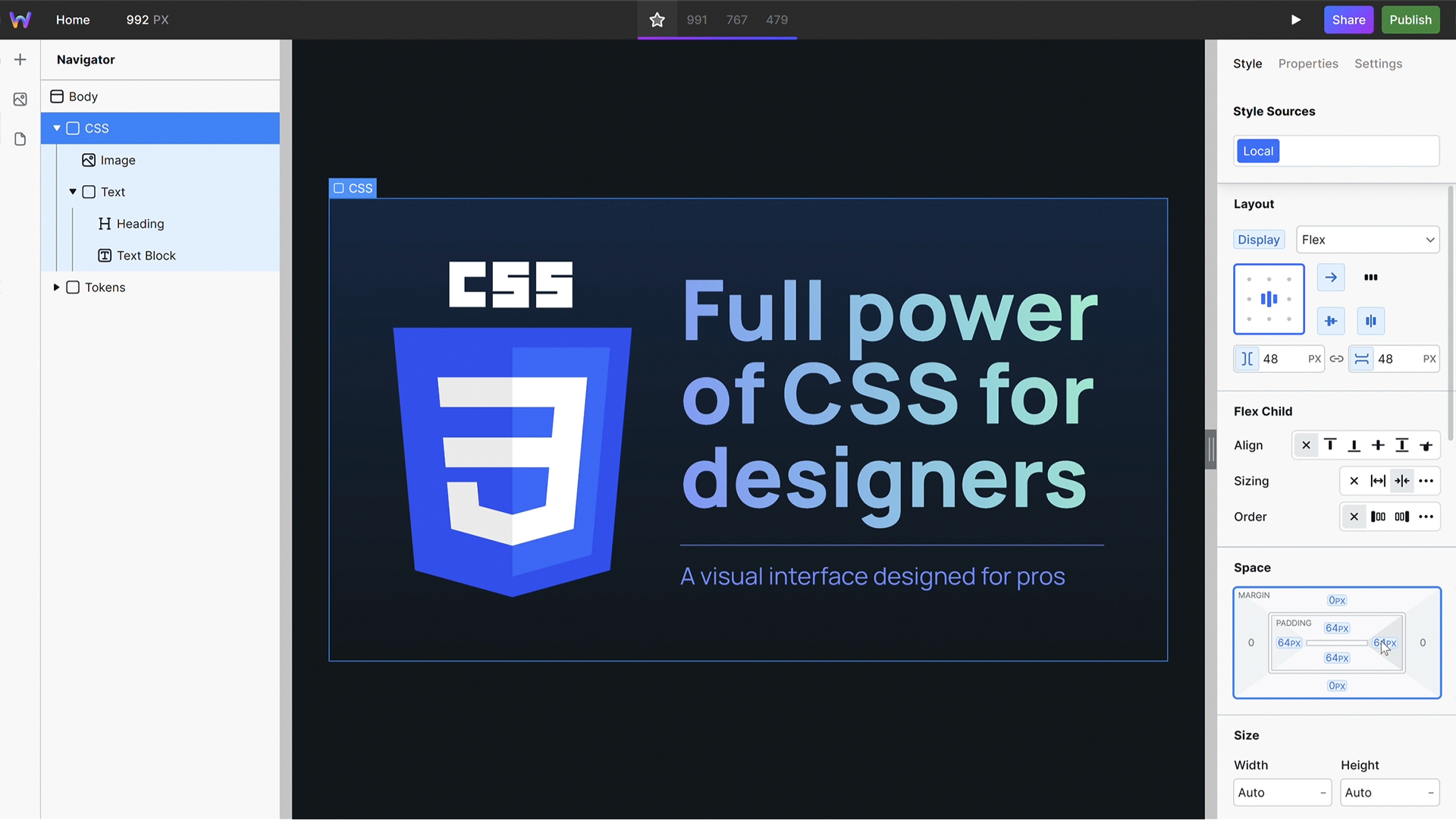
Webstudio Website Builder - Cover Image
Webstudio
I often recommend Webstudio for landing pages and informative websites, but it's important to note that this platform is still in its early stages. Currently, Webstudio is particularly exciting for its potential to become a valuable resource for advanced web developers, thanks to its expanding integrations and features. Its open-source nature is a significant advantage, adding a layer of flexibility and customization that enriches the development process.
However, a notable downside to Webstudio lies in being a newer and less recognized platform, so it lacks the established trust and reputation that comes with more well-known competitors. This can be a concern for those relying on a platform's stability and community support.
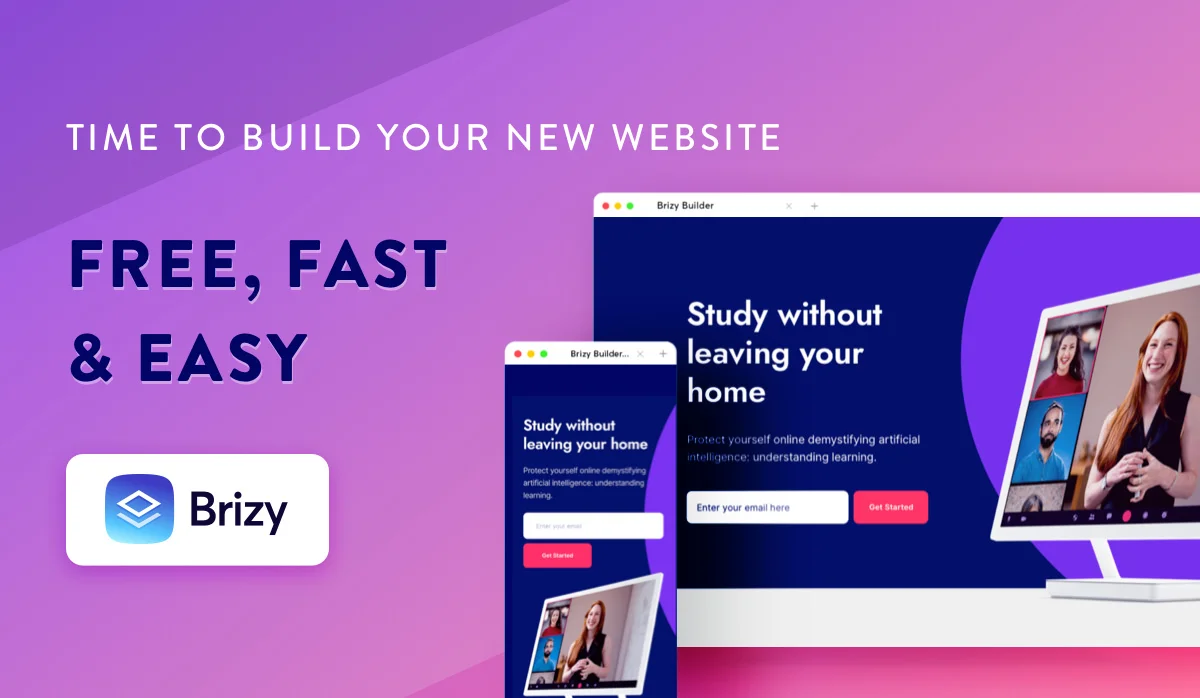
Brizy Cloud Website Builder - Cover Image
Brizy Cloud
Brizy Cloud is a great choice for medium-sized projects, particularly when working within a tight budget. In my experience, its robustness as a platform is marked by an extensive array of built-in features, which not only streamlines the web development process but also offers significant cost savings. The platform's intuitive design interface makes it user-friendly, catering to both beginners and those with some experience in web design.
However, a notable limitation I've encountered with Brizy Cloud is its restricted customization capacity. While it provides a solid foundation for building websites, the scope for deep customization is somewhat limited. This can be a drawback for projects requiring unique, intricate designs or specific functionality that goes beyond the platform's default settings and capabilities.
Honorable mentions
I have no personal experience with these, but heard a lot of praise on them. These no-code platforms have been gaining a lot of popularity lately, so it’s fair to include them in the list as well.
Wix.studio
Users often mention Wix.studio for its approachable design interface. It's seen as a suitable option for those starting out or managing small businesses, with a range of templates and a straightforward design process.
Squarespace
Squarespace is noted for its sleek templates. Commonly used by creatives and small business owners, it's recognized for its design-centric approach, though some users mention limitations in customization.
Teleport HQ
Teleport HQ is gaining interest for incorporating AI into web development. It's mentioned as a choice for those looking into newer, tech-forward approaches to building websites, though it's still growing in terms of features and recognition.
Makeswift
Makeswift is discussed mainly for its collaboration tools. It's considered useful for team-based web projects, offering a simple interface, but it may not be the first choice for those needing advanced design customization.
WordPress website builders
I believe we have covered the standalone builders enough, so it’s time for the ones specifically designed for WordPress. If you’re familiar with this platform, you’re likely aware of popular builders like Elementor or Divi. These are great and handle various needs, but there are also some rising stars in this space that I'm excited to recommend, ones that have the potential to bring your Wordpress experience to new dimensions.
Keep in mind that WordPress’s performance and speed depend on various factors, including the choice of hosting, the number of plugins used, and ongoing site management.
To make the most of WordPress without stressing about its overall operation and security, especially if you're an amateur or no-code designer like myself, I highly recommend considering dedicated WordPress hosting solutions. I've personally found that WPengine, WPmudev, and Pressable offer the best value for money. These platforms not only improve the WordPress experience but also ensure reliability and security, which are crucial for any successful website.
So what are the two builders that have the most potential as for now?
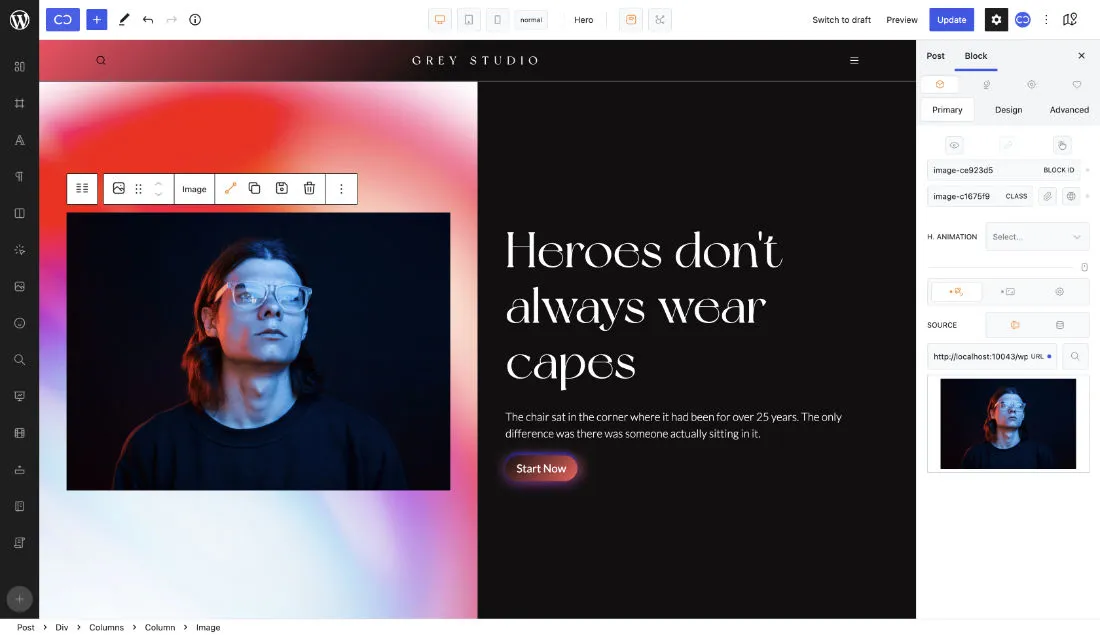
Cwicly - Wordpress Website Builder - Cover Image
Cwicly for Wordpress
Cwicly is a great choice for projects where retaining data on your own servers is a priority, particularly if you’re dealing with dynamic data or require CMS-based editing capabilities. The platform stands out for its robust approach to introducing new features, consistently striving for innovation. It takes the Gutenberg editor from WordPress to a whole new level with its advanced functionalities. That’s why I choose it whenever I’m building a WordPress site. It resembles Webflow (which I love!) in terms of features and functionality, and even surpasses it in some aspects.
It’s worth noting that Cwicly may not be the most intuitive option though – especially for beginners or those who are accustomed to more straightforward builders. Additionality, managing updates and other maintenance aspects is a bit of a downside for me.
Breakdance Builder - Wordpress Website Builder - Cover Image
Breakdance Builder for Wordpress
Breakdance Builder is a remarkable WordPress plugin that simplifies the process of website creation, offering a great blend of speed and user-friendliness. It's particularly well-suited for building informative websites, as well as smaller to medium-sized sites. From my perspective, in terms of intuitiveness and ease of use for both designers and clients, Breakdance Builder stands out as one of the best solutions available for WordPress to date.
However, it's important to consider that Breakdance Builder, much like several other platforms, is a 'locked-in' system. Consequently, should you decide to migrate to a different platform in the future, you might face challenges in transferring your site. This lock-in aspect can limit flexibility and might be a significant consideration for those who prioritize long-term adaptability and the option to switch platforms without extensive rework.
Honorable mentions
Same as with the standalone platforms, I don’t have extensive experience with these, but they definitely deserve their spot in the list. Be sure to check them out if you’re still undecided about the ideal platform for your project, or want to just broaden your horizons.
Bricks Builder
Bricks Builder is often mentioned in discussions for its focus on building with a visual interface. It's seen as an option for those who prefer a hands-on, visual approach to website design, though it may not be as widely recognized as some other builders.
Elementor
Elementor is frequently brought up for its ease of use and extensive feature set. It's a popular choice among WordPress users, appreciated for its flexibility, but some users note that it can be overwhelming due to its many options and features.
Kraft.builder
Kraft.builder is a new tool in website building, but quickly starting to draw attention for its capabilities and future prospects. It’s especially suitable for those seeking innovation. Although it’s still making its mark in the market, the builder has a huge potential, offering a fresh approach to creating websites.
Conclusion
I am a certified Webflow Designer, so it’s no surprise that this platform has been my top choice for my projects. In terms of the Wordpress builders, I gravitate towards Cwicly as stated in the description. I’m also keeping an eye on emerging platforms like Divhunt and Webstudio, because I believe they have a lot of potential to become one of the most prominent website builders of our time.
For those handling simpler projects, alternatives like Brizy Cloud, Breakdance Builder for Wordpress and Framer offer great possibilities. Each of these platforms has unique strengths that can be leveraged to create engaging and effective websites without much complexity.
Last but not least, know that whichever platform you choose from this list, you’re making a solid decision. Each one brings something valuable to the table, and it's all about finding the one that aligns best with your project needs and personal preferences.
Need advice on the best builder for you? Contact me and describe your needs and vision, I'll help you pinpoint a few options that will be perfect for you!
What is the best website builder in 2026?
There is no single best one, the right pick depends on who maintains the site afterwards. Webflow suits teams that want design control plus managed infrastructure, Framer suits fast marketing sites, and Divhunt suits people who want flexibility without Webflow pricing. The comparison above walks each one.
Which website builder is best for a startup or SaaS?
Webflow or Framer for most. Both let a small marketing team publish changes without a developer, which matters more than raw feature count when you are shipping weekly and have nobody to spare on site maintenance.
Are no-code website builders good for SEO?
Yes, when built properly. The platform rarely limits SEO, element hierarchy, page speed and structured data do, and those are build decisions. Most of the slow no-code sites I audit are slow because of scripts and tag managers, not the builder.
Which builder should I avoid?
Avoid any builder whose export or migration path you have not checked. Lock-in is the cost nobody prices in at the start, and it only becomes visible when you want to leave.
What no-code Builder do you use and why? Feel free to get in touch with me on my X (firmly Twitter) and let's chat.

Still not enough?
Read more articles.
Webflow is Evolving from Web Builder to Marketing Performance Tool
- Published:
- Category:
- Tools

No-Code in 2026: Market Stats, Real Trends and Where This Is All Going
- Published:
- Category:
- Tools

Why I built Dragdropship, the no-code gallery I could not find anywhere
- Published:
- Category:
- Tools